
Party system
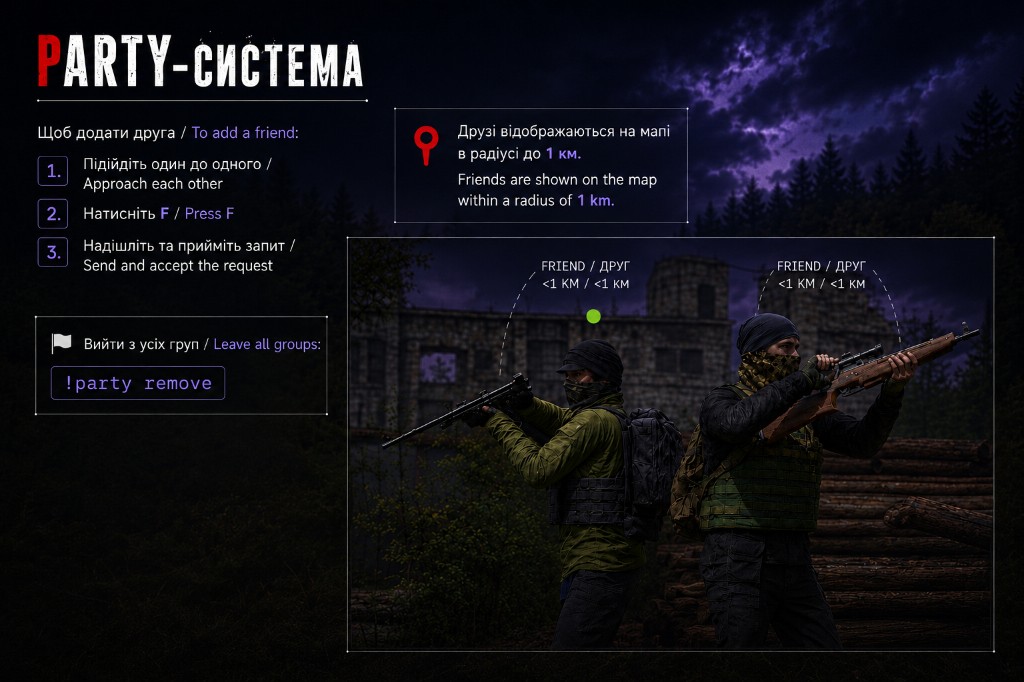
How to add a friend
- Stand close to each other.
- Press F.
- Send and accept the request.
Map
Friends are shown on the map everywhere on the map — no distance limit.
Party map markers
Press T to place a map marker that everyone in your party can see. Handy for marking objectives, rally points, or danger.
Team chat
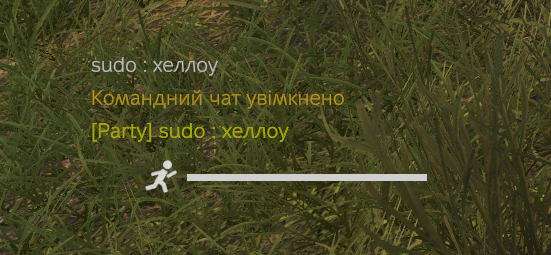
Your party has a separate team chat for teammates. Press L to turn it on or off — you will see a message like “Team chat enabled” in chat. Party messages are tagged [Party] and are only visible to members of your group.
Party management
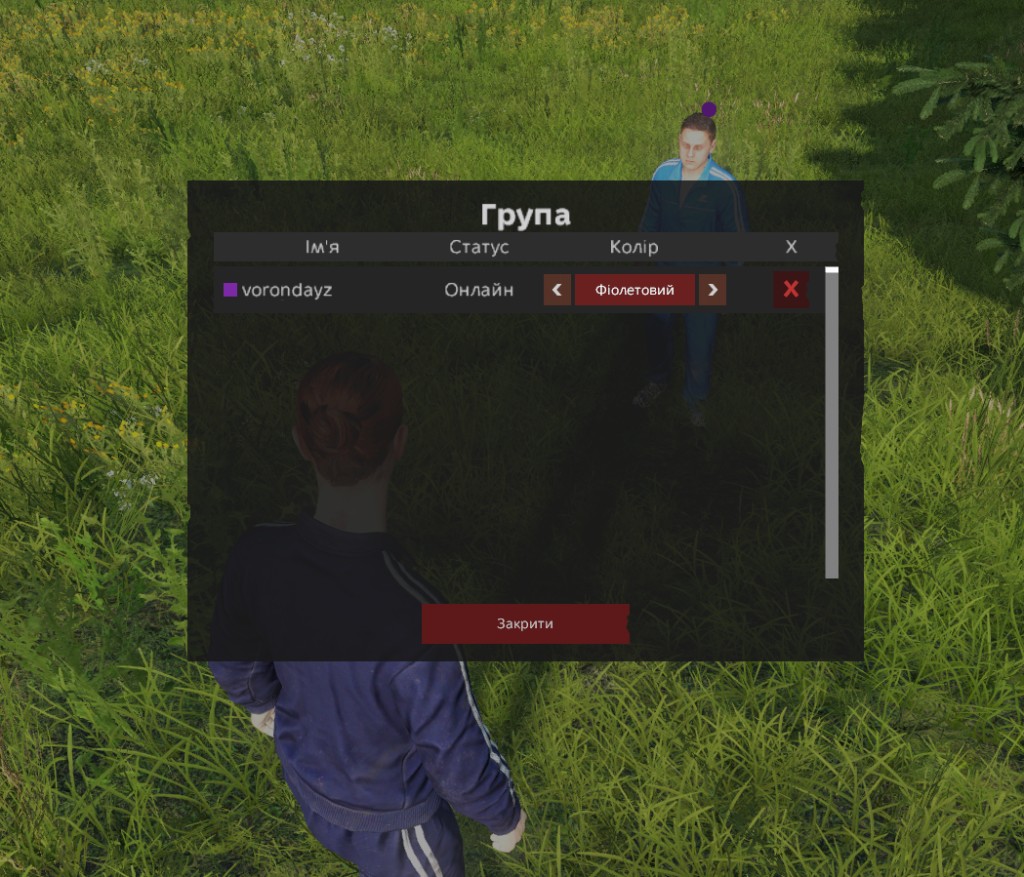
In the Group window you can:
- see whether your teammates are online or offline;
- change teammates' marker colors on the map;
- manage your party members - view the roster and remove members (X).
Leave a group
To leave all groups, type in chat:
!party remove